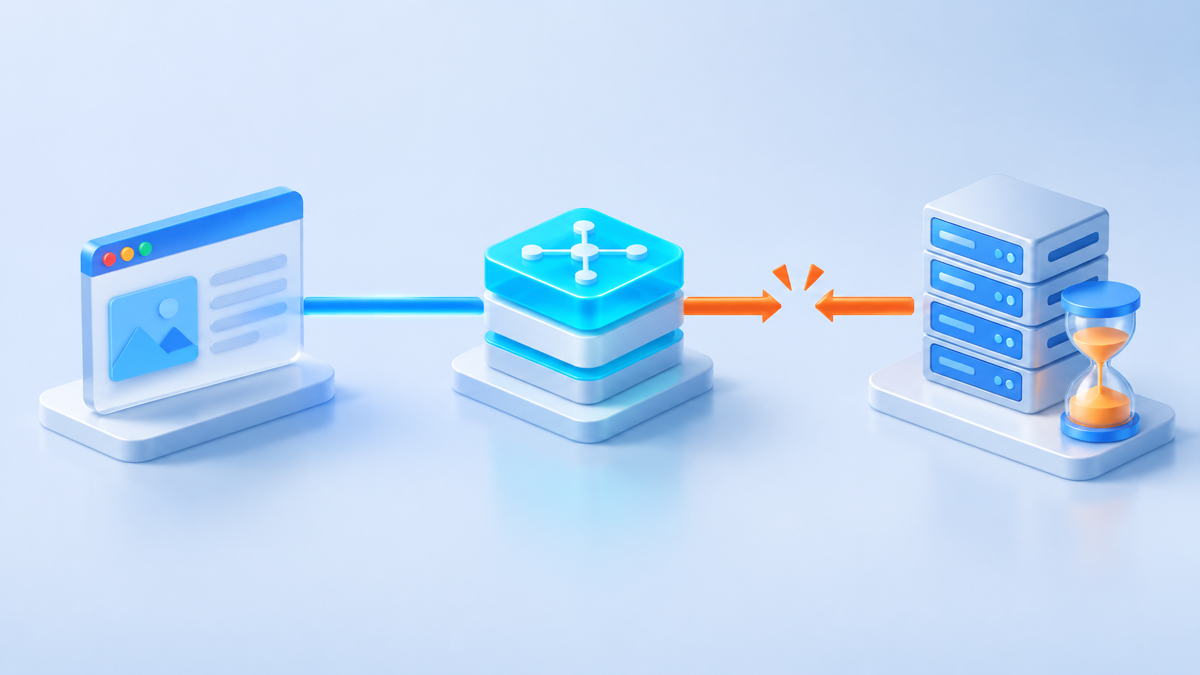
A failed connection, an unreachable origin, and an application that takes too long to respond can all leave visitors looking at an error page. They need different fixes. Start by identifying which provider generated the error and capturing the affected request, timestamp, and request ID.
522, 523, and 524 are Cloudflare-specific error codes, not standard HTTP status codes with universal CDN meanings. Other providers may report similar failures as 502, 504, or proprietary codes. When using CloudFlew or another service, consult that provider's definitions before applying the connection-stage investigation below.
Use the error definition to choose the first checks
| Cloudflare code | Investigation focus | Useful evidence |
|---|---|---|
| 522 | A timeout communicating with the origin, involving connection establishment or acknowledgement of the request | Firewall logs, connection queues, origin load, and packet loss |
| 523 | The origin is unreachable | Configured origin address, routing, and network reachability |
| 524 | A connection was established, but the exchange did not complete within the applicable read or write timeout | Request duration, application logs, upstream waits, and upload progress |
Timeout values and adjustment options depend on the provider, plan, and stage of the exchange. Do not treat one fixed duration as a universal CDN limit. A 524 can also involve writing to the origin, so checking slow database queries alone is insufficient.
Correlate the failed request across layers
Record the timestamp with its time zone, hostname, path, HTTP method, response code, and provider request ID. Determine whether failures affect every request, one region, large uploads, or a particular endpoint. Keep cookies, tokens, and private request bodies out of shared diagnostic material.
Trace the request through the load balancer, reverse proxy, and application. A missing access-log entry does not conclusively prove that traffic never reached the server: logs may be written only after completion, the request may still be open, or collection may be incomplete. Cross-check connection logs, boundary firewall logs, and monitoring.
Where available, compare total request duration, upstream connection time, upstream time to first byte, and application execution time. If only an export endpoint fails, investigate that workflow before changing timeouts for the whole site.
For connection failures, verify the address and access path
Check the configured origin address, port, protocol, and IPv4 or IPv6 selection. Correct public DNS does not establish that the CDN is using the correct origin destination. Migrations can leave an old IP, a retired load balancer, or an inappropriate private address in the configuration.
Confirm that security groups, firewalls, host protection, and connection limits allow the provider's current published origin-facing IP ranges. Maintain these from official sources rather than adding individual addresses observed in one request. Keep access rules scoped; disabling the firewall is not a useful substitute for checking the intended path.
Inspect CPU, memory, file descriptors, listening queues, and active connections. A listening process may still lack capacity to accept connections promptly. Routing faults and packet loss require evidence from the affected time window. A successful connection from a laptop establishes reachability only from that test path.
Compare the origin while preserving Host and TLS SNI
This Linux shell example reads a public health-check path. Replace the hostname and documentation IP with an authorized target. It preserves the URL hostname for Host and TLS SNI and leaves certificate verification enabled.
curl -sS --max-time 20 --connect-timeout 5 \
  --resolve www.example.com:443:192.0.2.10 \
  -o /dev/null \
  -w 'code=%{http_code} connect=%{time_connect} tls=%{time_appconnect} first_byte=%{time_starttransfer} total=%{time_total}\n' \
  'https://www.example.com/healthz'
These timing fields are cumulative from the start of the transfer. In particular, first_byte is not a measurement of application processing alone. If there is no suitable health endpoint, choose a known, low-cost, read-only resource rather than repeatedly triggering an expensive export.
Adapt the test if the real origin connection uses a dedicated hostname, client certificates, or additional authentication. If origin allow-listing blocks your test client, use an established operational access path rather than broadening public access.
Repeat a comparable read through the CDN and correlate it with logs. Fast direct access and slow CDN access narrow the investigation toward the delivery path or configuration, but one test does not establish the faulty component. Test each relevant origin separately; a health check can otherwise hide an unhealthy backend by reaching only a healthy one.
If connected, investigate both reads and writes
Once the request reaches the application, inspect worker availability, database connection pools, locks, external API calls, and object-storage reads. Use request tracing to identify where time accumulates. Review reverse-proxy, application-server, and CDN limits together.
For uploads and other request bodies, check whether bytes continue to reach the origin, whether the application consumes them promptly, and whether intermediate proxies buffer them. Monitoring only response-read timeouts misses failures while sending the request upstream.
Long-running work often fits a job model: acknowledge submission with a job ID, then let the client poll for completion or receive a notification. Streaming is appropriate only when supported by the platform and application protocol. Sending arbitrary keepalive bytes is not a general timeout remedy.
For orders, payments, and other state-changing requests, retries need idempotency controls. A client-facing timeout does not establish that the original operation failed or stopped running.
Apply a scoped fix and verify the complete path
Save the original configuration before changing an address or access rule. Before increasing a timeout, check capacity and how abandoned work releases resources. Longer waits can hold more connections and worsen an already overloaded origin.
Validate changes on one origin or a low-risk route before expanding them. Monitor success rate from representative networks, connection establishment, application latency distributions, errors, and concurrent resource use. Define rollback conditions such as rising error rates or sustained connection-pool saturation.
Cache hits can temporarily hide an origin outage. Include authorized, low-frequency tests that actually reach the origin, and verify that behavior in logs. A global cache purge can force simultaneous origin traffic without resolving the underlying connection problem.
References
Commands are controlled read-only examples and have not been executed against your production environment. Error-code meanings above belong to the named provider; verify other platforms separately.