

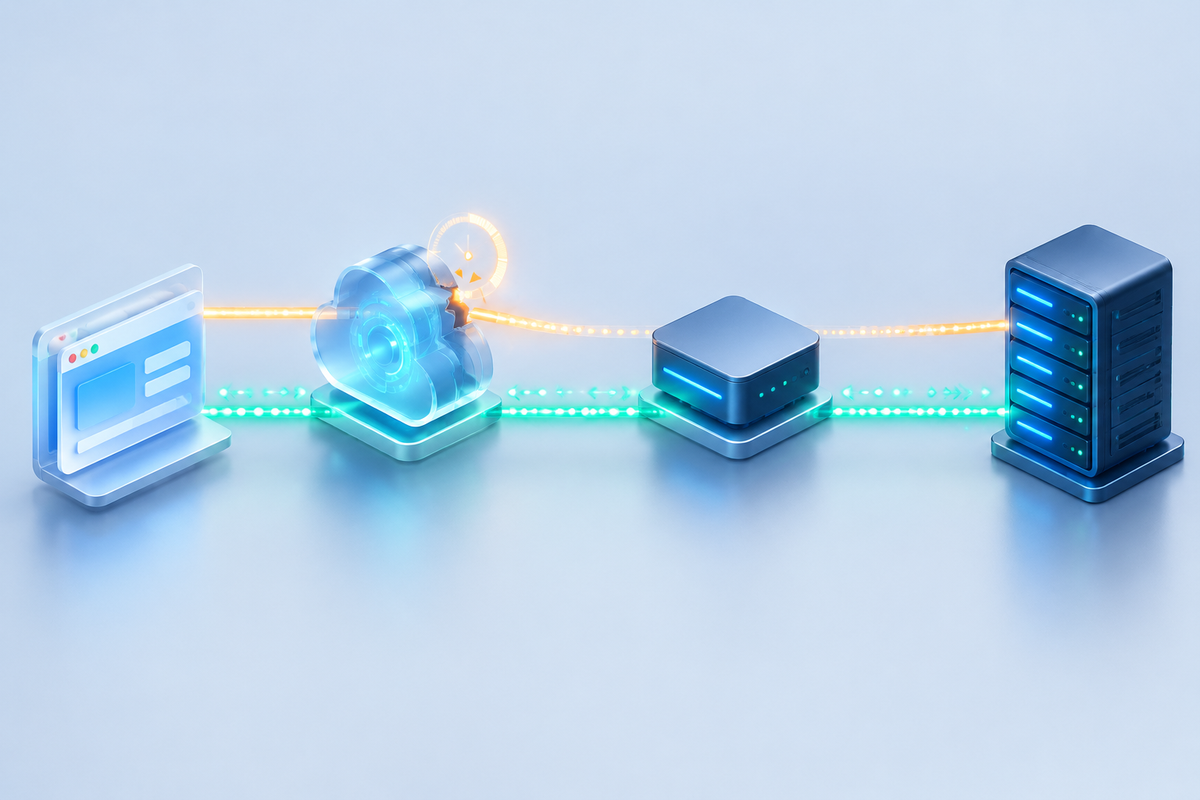
A chat window opens and messages go through, but the connection drops after sitting idle. If the disconnect repeatedly happens around the 60-second mark, investigate proxy read timeouts and server heartbeats. Nginx documents a default behavior of closing the connection when the upstream server sends no data for 60 seconds. That describes one layer of the connection; it does not establish a universal CDN limit.[1]
Keep failed handshakes separate from connections that open successfully and then disconnect. This guide follows the HTTP/1.1 Upgrade path and shows how to locate the layer terminating the connection, check its timeout configuration, and verify heartbeat behavior. WebSocket extensions over HTTP/2 or HTTP/3 require separate checks of client, edge, and origin protocol support.
Record the handshake and the timing of each disconnect
Find the WebSocket request in your browser's Network panel. Record its URL, handshake response, connection time, last received message, and disconnect time. For the HTTP/1.1 path covered here, a successful upgrade returns 101 Switching Protocols. Responses such as 301, 403, 404, or 502 call for checks of redirects, permissions, routing, and origin errors before investigating an idle timeout.[2]
After a successful handshake, compare two intervals: the time from connection establishment to disconnection, and the time from the last server message to disconnection. A repeatable interval after the last server message suggests an idle timer. A connection that ends at the same age despite ongoing traffic calls for checks of maximum connection duration, service restarts, or network changes. Timing narrows the investigation; logs and configuration still need to confirm the cause.
Browser close code 1006 indicates an abnormal closure, often because the endpoint did not receive a Close frame. It does not identify the proxy responsible, and a server must not send that code in a Close frame. Record the application instance, session identifier, edge request identifier, and disconnect timestamp so you can correlate logs rather than relying on a screenshot of the error.[2]
Compare the CDN route with an authorized origin test route
Use the following commands only in a test environment you are authorized to access. The domain, path, and origin IP are examples. Add any cookies, tokens, or subprotocol headers required by the application, and keep production credentials out of shared diagnostic records.
Run this HTTP/1.1 handshake probe in Bash:
URL='https://realtime.example.com/ws/'
curl --http1.1 --connect-timeout 10 --max-time 8 -sS -i -N \
  -H 'Connection: Upgrade' \
  -H 'Upgrade: websocket' \
  -H 'Sec-WebSocket-Version: 13' \
  -H 'Sec-WebSocket-Key: dGhlIHNhbXBsZSBub25jZQ==' \
  -H 'Origin: https://app.example.com' \
  "$URL"
The HTTPS URL lets you inspect the upgrade response. The example key comes from the protocol specification and is for a one-off diagnostic probe; a production client must generate a random key as the protocol requires. --max-time 8 deliberately ends the probe after eight seconds, so a timeout following a successful handshake may simply reflect that limit. This command does not implement a complete WebSocket client with frame handling and heartbeats, and it cannot establish that a persistent connection works.[2][4]
If the origin explicitly permits direct access from your test machine, add these options to the same command to connect to the example origin IP while retaining the hostname used for Host and TLS verification:
--noproxy '*' --resolve realtime.example.com:443:203.0.113.10
These are additional options, not a standalone command. Replace the documentation address 203.0.113.10 with your authorized test target. An origin that requires a dedicated origin certificate, client certificates, or CDN-only IP access may reject the test for unrelated reasons. Use an approved test entry point or origin logs in that case. Do not disable certificate verification or relax firewall rules just to obtain a comparison.[4]
For connection-duration tests, use a browser or a WebSocket-capable client. Keep the path, account, and message pattern consistent, and compare the CDN route with the authorized origin route under both fully idle conditions and conditions with server replies. Correlate edge, reverse-proxy, and application logs. A missing log entry alone does not prove that a request stopped before that layer: log delivery delays, filtering, or when the entry is written can also explain its absence.
Check the Nginx configuration that the request actually uses
In HTTP/1.1, Upgrade and Connection are hop-by-hop headers. The proxy must explicitly pass the upgrade information upstream. Check the server, location, and proxy_pass that actually handle the request, along with the application's expected path. Changing an unrelated configuration block will not fix the affected connection.[1]
The following fragments assume an existing HTTPS site on Linux and an application listening on 127.0.0.1:3000 that accepts /ws/. Put the map in the http context and the location inside the existing site's server block. These fragments are not a complete Nginx configuration.
# Place this in the http context.
map $http_upgrade $connection_upgrade {
    default upgrade;
    ''      close;
}
# Place this inside the existing site's server block.
location /ws/ {
proxy_pass http://127.0.0.1:3000;
proxy_http_version 1.1;
proxy_set_header Upgrade $http_upgrade;
proxy_set_header Connection $connection_upgrade;
proxy_set_header Host $host;
# 120 seconds is illustrative; align it with actual timeouts and heartbeats.
proxy_read_timeout 120s;
}The explicit HTTP/1.1 setting accommodates different Nginx versions. The proxy_pass has no appended URI, preserving the request path in this example. If the application expects a different path, adjust and verify the routing. proxy_read_timeout measures the interval between successive reads from the upstream server, rather than the connection's total lifetime. A client can keep sending messages and still encounter that read timeout if the server sends nothing back to the proxy.[1][5]
Back up the site configuration and record its effective values before making changes. Assess connection counts, file descriptors, application load, and the cost of retaining connections, then limit the change to the affected site. On a machine where systemd manages Nginx, validate the configuration before reloading it:
sudo nginx -t && sudo systemctl reload nginx
Containers and other process managers require their own deployment procedure. Test with new connections after the change, and observe existing connections and retiring worker processes. If resource problems appear, restore the backup, validate the configuration again, and reload using the original procedure. Avoid applying an excessively long global timeout just to suppress disconnects.
Make sure heartbeats produce data from the server
The WebSocket protocol defines Ping and Pong control frames. An endpoint that receives a Ping must respond with a Pong unless it has already received a Close frame. A server can send periodic Pings to check the connection. The browser's JavaScript WebSocket API does not expose protocol Ping/Pong methods, so socket.send('ping') sends an ordinary data message, not a protocol Ping frame.[2][3]
A browser application can instead define an application-level heartbeat, such as a JSON message with a sequence number that the server acknowledges. Both ends need to implement that convention. Sending a string that the backend ignores can make the UI appear active while leaving the upstream read interval idle.
Choose an interval shorter than the idle thresholds of the layers you need to keep open, with room for network jitter. For example, if testing confirms that one layer disconnects after roughly 60 seconds without data, 25 seconds could be a trial interval. Measure actual send and reply times under background-tab behavior, mobile networks, and load before adopting it. That example is not a recommendation for every CDN. Browser background timers may be throttled, so a foreground-tab test is not a production guarantee.
Define when missed replies should end the old connection, how reconnection works, and how subscriptions are restored. If the server already implements protocol Ping/Pong, assess that mechanism before adding redundant application messages. Keep authentication, Origin validation, connection quotas, and rate limits in place rather than disabling them to extend connection duration.[2]
Verify CDN limits separately from recovery behavior
Check the actual CDN product and plan for WebSocket support, origin requirements, idle timeouts, and maximum connection duration. Some limits cannot be changed through origin configuration alone. This guide has not verified the limits of a particular CloudFlew plan; Nginx defaults should not be presented as a platform commitment.
Retain records for at least four checks: a successful handshake, an idle connection observed beyond the previous disconnect window, a connection with heartbeat replies, and recovery after a network interruption. Keep connection-duration tests running for several of the previous disconnect intervals. Test application deployments, proxy reloads, and network changes separately, recording actual disconnect and recovery times. The commands and settings here are diagnostic examples and have not been executed in the reader's production environment.
Use reconnection backoff with jitter to prevent clients from reconnecting simultaneously. The message protocol also needs clear rules for sequence numbers, acknowledgments, replay, and deduplication. Reestablishing the connection restores transport; it does not guarantee delivery of messages missed during the outage. Check for duplicate subscriptions, duplicate messages, lingering old connections, and reauthentication after credentials expire.
Repeated disconnects during server silence, followed by connections that consistently outlast the original window when the server replies to heartbeats, provide useful evidence for a read timeout. Confirm that conclusion with proxy logs. If connections still fail during ongoing bidirectional traffic, investigate maximum duration, deployment restarts, or network interruptions while retaining normal connection cleanup and recovery behavior.
Official references
Sources checked on October 12, 2026.
[1] Nginx: WebSocket proxying, upgrade headers, and default idle behavior.https://nginx.org/en/docs/http/websocket.html
[2] RFC 6455: WebSocket handshakes, Ping/Pong, and close codes; see sections 4, 5.5, and 7.4.https://www.rfc-editor.org/rfc/rfc6455.html
[3] WHATWG WebSockets Standard: browser API access to Ping/Pong behavior.https://websockets.spec.whatwg.org/
[4] curl manual: HTTP/1.1 requests, headers, time limits, and hostname resolution overrides.https://curl.se/docs/manpage.html
[5] Nginx ngx_http_proxy_module: proxy_read_timeout and proxy_pass.https://nginx.org/en/docs/http/ngx_http_proxy_module.html
