

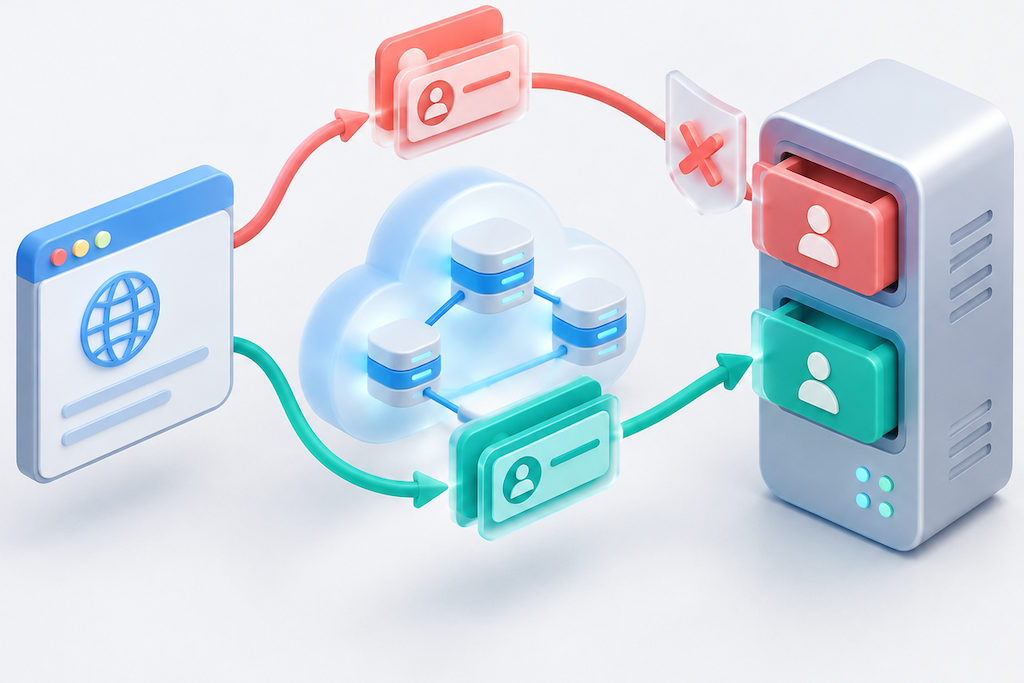
When a website returns 421 Misdirected Request after moving behind a CDN, trace one failed request. Which hostname did the client request? Which name was sent during the TLS handshake? Which virtual host ultimately received the HTTP request? DNS can resolve correctly and a certificate can remain valid while these identities are incompatible.
RFC 9110 describes 421 as a rejection when the target URI does not match an origin the server is configured to serve, or the connection context carrying the request. A missing page and a failed TLS handshake are different failures. The standard also distinguishes an origin server or a gateway acting on its behalf from an ordinary proxy, which must not generate 421.[1]
The examples below help isolate the affected connection. Replace the documentation domains, IP address, and configuration with values appropriate to your environment. They are illustrative; this article does not claim a production incident reproduction or performance test.
Identify the connection that rejected the request
A CDN deployment has at least two connections to examine: client to edge, and edge to origin. If a load balancer or reverse proxy sits in front of the application, inspect that hop as well. A 421 visible in the browser does not identify the failing configuration by itself.
Record the timestamp, complete URL, status, body, and a request ID that can be correlated across logs. Redact credentials, cookies, and personal information before sharing diagnostic records.
| Observation | Next check |
|---|---|
| The edge returns 421 with no matching origin log entry | Confirm log coverage, then inspect edge hostname bindings, certificates, and entry-point checks |
| The origin logs the same request and returns 421 | Compare its HTTP Host, TLS SNI, selected virtual host, and connection context |
| HTTPS to the origin fails certificate validation or the handshake | Diagnose TLS failure before treating it as an HTTP 421 response |
| Only certain domains or existing connections fail | Compare shared certificates, connection reuse, node configuration, and software versions |
Missing origin logs may mean the wrong node was searched, logging is delayed, or an upstream load balancer rejected the request. Correlate timestamps and request IDs rather than assigning responsibility from a Server header alone.
Write down the origin address, HTTP authority, and TLS name
Create a short record of the identities used by the same origin request.
| Setting | Example | What it represents |
|---|---|---|
| Public hostname | www.example.com | The site the browser requests |
| Origin destination | 192.0.2.20:443 | The address used to establish the connection |
| Origin TLS SNI | origin.example.com | The server name requested during TLS negotiation |
| HTTP Host or HTTP/2 authority | origin.example.com | The site requested at the HTTP layer |
| Origin certificate and virtual host | Cover and accept origin.example.com | The service identity expected to handle the request |
The IP address is reserved for documentation. Public and origin hostnames do not have to be identical in every architecture. Their certificates, hostname bindings, and routing must support the combination actually sent.
A common configuration omission is changing the HTTP Host while leaving TLS SNI set to an old domain or an upstream pool name. Certificate coverage also does not establish that the application accepts a particular Host. Inspect effective CDN settings and any older nodes or intermediate proxies that may retain previous values.
Test a specific origin while preserving the hostname
Start with a controlled GET through the CDN and save the response. These commands assume curl on Linux, macOS, or WSL. In Windows PowerShell, use curl.exe and adapt line continuations.
curl --silent --show-error \
  --connect-timeout 5 --max-time 20 \
  --dump-header edge-headers.txt \
  --output edge-body.txt \
  --write-out 'status=%{http_code} ip=%{remote_ip}\n' \
  'https://www.example.com/health-check'
Use a read-only resource approved for diagnostics. This command does not automatically retry or follow redirects. If browser and command-line requests use different authentication or headers, interpret their results separately.
To inspect an authorized, reachable origin serving origin.example.com, use a hostname-based URL with --resolve:
curl --silent --show-error \
  --connect-timeout 5 --max-time 20 \
  --resolve 'origin.example.com:443:192.0.2.20' \
  --dump-header origin-headers.txt \
  --output origin-body.txt \
  --write-out 'status=%{http_code} ip=%{remote_ip}\n' \
  'https://origin.example.com/health-check'
--resolve supplies a destination IP for the specified hostname and port while keeping the hostname in the URL. curl documents that --connect-to changes the connection destination without changing the names used for TLS SNI, certificate verification, or the application protocol. Be explicit about which variable a diagnostic command changes.[3]
Using an IP address in the HTTPS URL and adding a Host header may fail to reproduce the original TLS identity. Preserve certificate verification rather than adding -k. For a private CA, use --cacert with your organization's approved CA bundle.
An origin protected by IP restrictions, mutual TLS, or CDN-specific authentication should be tested through an existing authorized diagnostic path. Avoid exposing the origin to make a test easier.
Configure HTTP Host and upstream TLS names separately in Nginx
If you administer an Nginx reverse proxy in the origin path, inspect proxy_set_header Host, proxy_ssl_server_name, and proxy_ssl_name. The Nginx documentation defines the HTTP header setting, whether SNI is sent, and the name used for upstream certificate verification and SNI. Sending SNI is disabled by default, and proxy_ssl_name defaults to $proxy_host.[2]
The following example assumes an Nginx version supporting these directives, an origin certificate covering origin.example.com, and an origin virtual host accepting that name. Put the upstream block in the existing http context and the location in an existing server block. This is a configuration fragment, not a complete file.
# In the http context
upstream origin_pool {
    server 192.0.2.20:443;
}

# Inside an existing server block
location / {
    proxy_pass https://origin_pool;
    proxy_set_header Host origin.example.com;

    proxy_ssl_server_name on;
    proxy_ssl_name origin.example.com;
    proxy_ssl_verify on;
    proxy_ssl_trusted_certificate /etc/ssl/certs/ca-certificates.crt;
}
The CA bundle path follows a common Debian/Ubuntu layout. Use the actual trusted CA file on your system. Configure private trust roots, verification depth, ports, and client certificates according to your requirements. Back up the affected configuration, run nginx -t, and reload using your normal service procedure only after validation passes. Restore and validate the saved configuration if behavior regresses.
This example fixes Host and SNI to an origin hostname under your control. If the application needs the public hostname forwarded instead, make its certificate, virtual-host bindings, and routing support that design. Avoid deriving an arbitrary new origin destination from untrusted client input.
For a managed CDN, configure the corresponding origin settings through the provider's supported interface. This Nginx fragment is not a configuration for every CDN. Host/SNI mismatches may produce other HTTP responses or handshake failures depending on software versions, validation rules, and connection behavior.
Check edge hostname restrictions and connection reuse
Some 421 responses occur on the client-to-edge connection. CloudFront, for example, documents checks involving SNI and Host, certificate account ownership, and certificate coverage for the requested Host as part of its cross-account domain-fronting protection. Apply the provider's actual decision rules; differing names alone do not describe every rejection condition.[4]
Check that the hostname is bound to the correct distribution and covered by its certificate. Inspect custom clients that change Host independently of the URL. Pointing DNS at an edge IP does not complete hostname configuration.
When failures appear only on reused connections, investigate cross-origin connection reuse and server restrictions. RFC 9110 permits a client receiving 421 to retry using another connection. A successful fresh connection provides diagnostic evidence but does not repair incompatible settings.[1]
Compare the same URL over fresh and existing connections, recording the negotiated protocol and associated hostnames. If useful, temporarily compare HTTP/1.1 and HTTP/2 in a controlled client that supports them. Record the client-to-edge and edge-to-origin protocols separately. A successful --http1.1 test does not establish that permanently disabling HTTP/2 is the appropriate fix.
Verify the original request and neighboring virtual hosts
After the change, retest the original failing URL and the other relevant hostnames and resources. Use logs to confirm that the expected virtual host handled the request, certificate verification succeeded, and the body belongs to the intended site.
Test fresh connections and existing sessions. For multiple origin nodes, confirm configuration consistency across them. Origin address, Host, or SNI changes may also affect health checks, application redirects, and cookie domains; verify the relevant business paths.
If evidence shows that an edge retains an old error response, invalidate affected objects using the provider's supported mechanism. Cache invalidation cannot repair an ongoing identity mismatch, and a full-site purge should not be the first diagnostic step.
Keep the failing request ID, public hostname, origin identities, selected virtual host, and verification result. Reuse that record when changing certificates, origin addresses, or connection pools.
Official references
Sources checked on October 19, 2026. Commands and configuration are examples; no production testing is claimed.
